ReactCradle

  • Home
  • Blog
  • Tutorials

Blog

Table of Contents

Toggle
  • React Insights
  • Advanced Memoization Strategies in React: Complete Guide for 2025
  • React Large List Optimization: Conquering the DOM with Virtualization
  • Snapshots

React Insights

  • Advanced Memoization Strategies in React: Complete Guide for 2025

    Advanced Memoization Strategies in React: Complete Guide for 2025

    Introduction Memoization remains one of the most powerful yet misunderstood optimization techniques in React development. While most developers grasp the basic…

    11/29/2025
  • React Large List Optimization: Conquering the DOM with Virtualization

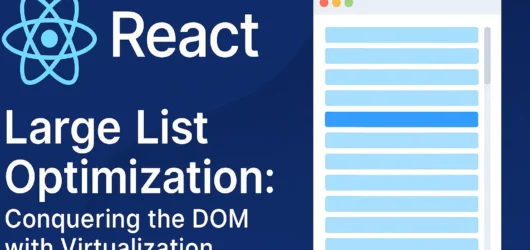
    React Large List Optimization: Conquering the DOM with Virtualization

    In the modern web ecosystem, applications are frequently required to handle and display massive datasets. Achieving performant React large list optimization is…

    11/27/2025

Snapshots

A glimpse into React tutorials and project highlights.

A computer screen displays a code editor with HTML code. The interface has a dark theme with syntax highlighting in various colors. Menu options like Inspector and Console are visible at the top.
A computer screen displays various sections of code written in JavaScript. The code includes module exports and HTML tags within a text editor interface, which is divided into several panels. The text editor panel exhibits a dark theme with syntax highlighting, showing functions and variables.
A computer screen displays a code editor with various files in a directory. The code being edited is written in JavaScript, identifiable by the .js file extension. There are highlighted lines in different colors to distinguish syntax elements. The left pane lists files such as 'assets', '.env', and 'index.js'. A web browser is visible at the top of the screen with multiple open tabs.
A laptop displays a web page with a bold header text reading 'Blog' against a colorful abstract background. Several thumbnail images are displayed below the header, featuring various content such as graphics and text. The screen is illuminated, creating a contrast against the dark keyboard and surrounding environment.

Menu

  • Home
  • Blog
  • Tutorials

Contacts

email@email.com
+123456789

Socials

  • Facebook
  • Instagram
  • X
  • TikTok

Subscribe to our newsletter

© 2025 ReactCradle. All rights reserved.

Notifications